

Clients
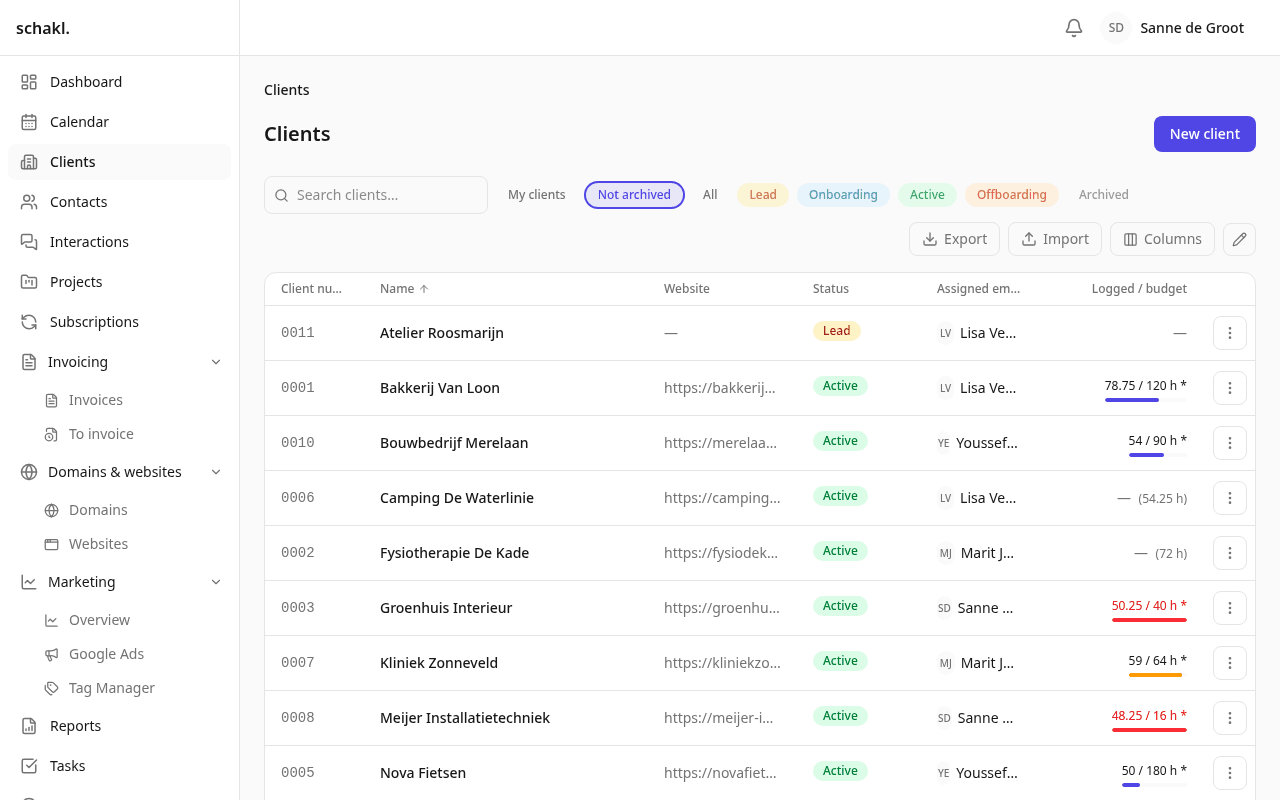
The clients module is the hub of schakl.: nearly everything in the platform attaches to a client. Clients live in the main menu; each client has one file page on which the other modules contribute their panel.
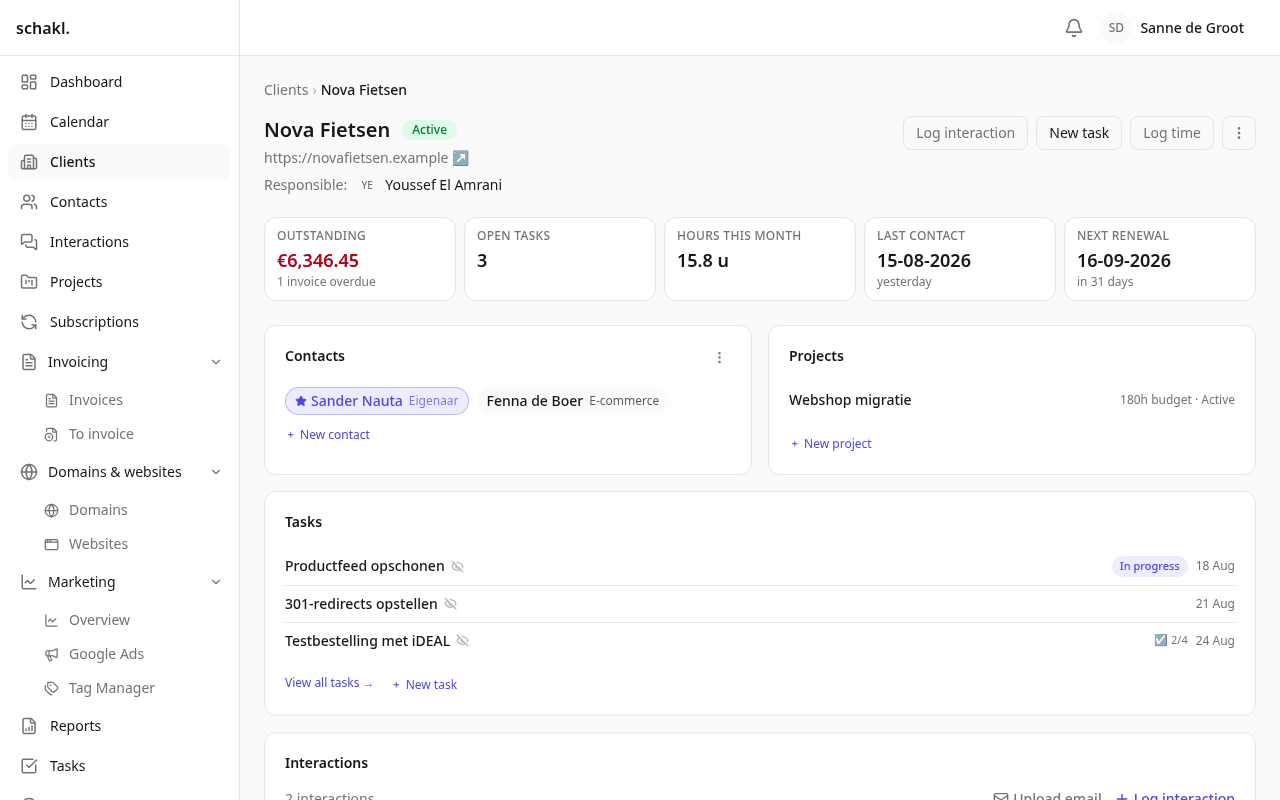
The client file
Section titled “The client file”Besides the base details, the client page shows a panel per enabled module: contacts, projects, hours, domains, websites, hosting, subscriptions and files. A module you disable disappears from here automatically — the file is composed of what your organization actually uses.
At the bottom of the file sits the activity trail: who changed what, when, with the change itself. It is recorded automatically and survives even when an employee later leaves.
Contacts
Section titled “Contacts”A client has one primary contact (marked with the brand colour) and as many additional contacts as you like. Linking, unlinking and switching the primary happen in the file’s edit mode; quickly adding a new contact works right from the client page.
Custom fields
Section titled “Custom fields”Missing a field — a segment, a region code? Under Instellingen → Aangepaste velden (Settings → Custom fields) you define your own typed fields per entity type (text, number, date, select, …), required if you wish. They automatically appear in the form, on the file and as columns in the list view.
Create from wherever you are
Section titled “Create from wherever you are”Every picker that references a client — on a project, a time entry, a domain — offers ”+ add”: the full create dialog opens in place, and after saving the new client is selected immediately. You never leave your work because a client didn’t exist yet.
Permissions
Section titled “Permissions”Who may view, create, edit or delete clients is set per role under Instellingen → Rollen (Settings → Roles) — like every module, permissions are fine-grained and configured per organization.